all ages - all skill levels
Piano Lessons Made for YOU
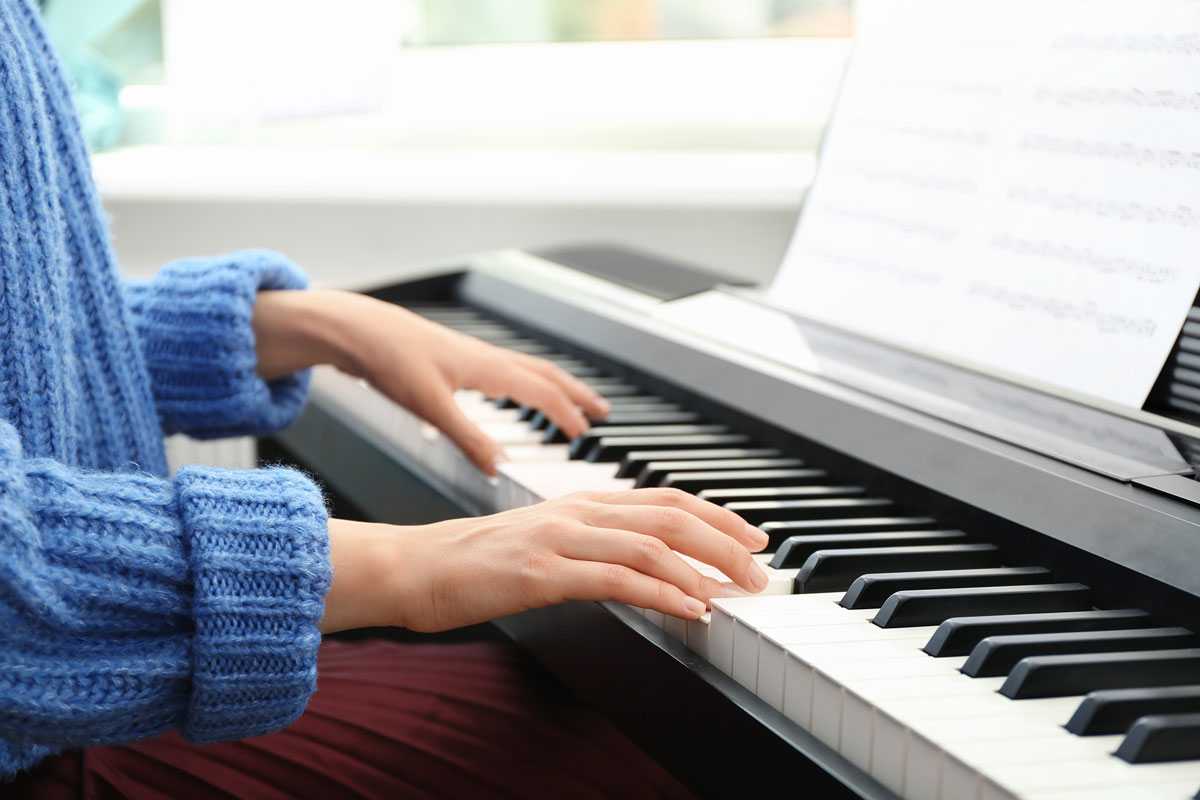
Learn how to read music and play the songs you love on the piano. Discover the world of harmony, jazz improvisation, scales, voice leading, and more!


take your skills to the next level!
Our Piano Teachers

all ages - all skill levels
Online Piano Lessons Pricing
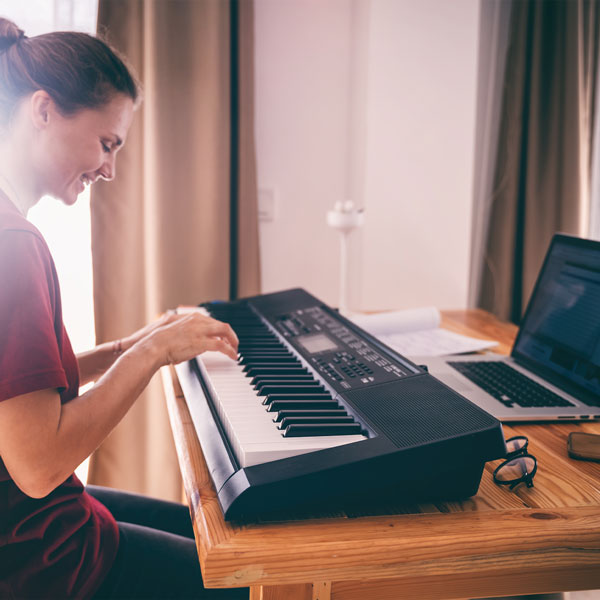
Our inspiring piano teachers offer one-on-one online piano lessons on Zoom.
Online
30 Minutes
$55
- 30 minute online Zoom piano lesson.
- Pick your date & time.
Online
60 Minutes
$110
- 60 minute online Zoom piano lesson.
- Pick your date & time.
Book Your Online Piano Lesson Now
Scheduling an Online Piano Lesson is easy and convenient. Choose your lesson, schedule the day & time, and easily pay online.

How Do Piano Lessons Work?
Online Piano Lessons
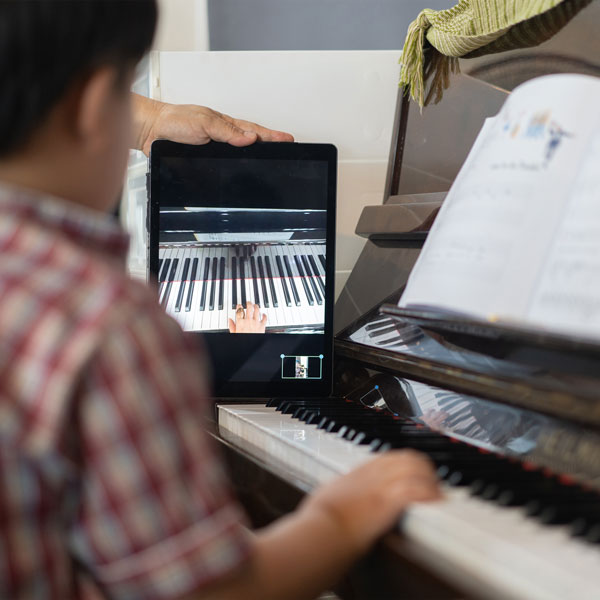
Colby Music Pro offers online piano lessons for students 5 and up. Piano Lessons via Zoom provide a unique opportunity for the student to record the entire class. This is highly beneficial, as it enables the student to absorb certain concepts throughout the week, and provides a visual reference.
A Zoom link will be created by the teacher, and sent to you prior to the lesson. This link will be reoccurring for weekly lessons. There will be a 5 minute buffer in between lessons, to account for any initial connection issues. It is important that the student has a good internet connection to insure the highest lesson quality.
*To ensure the best sound quality for your Zoom lessons please do the following:
In your Zoom settings, under the MUSIC AND PROFESSIONAL AUDIO section, select "show in meeting option to enable ORIGINAL SOUND. Also SELECT the box for HIGH FIDELITY MUSIC MODE. You should DESELECT ECHO CANCELLATION to ensure that all sounds from the instrument are heard. See Zoom for details.